
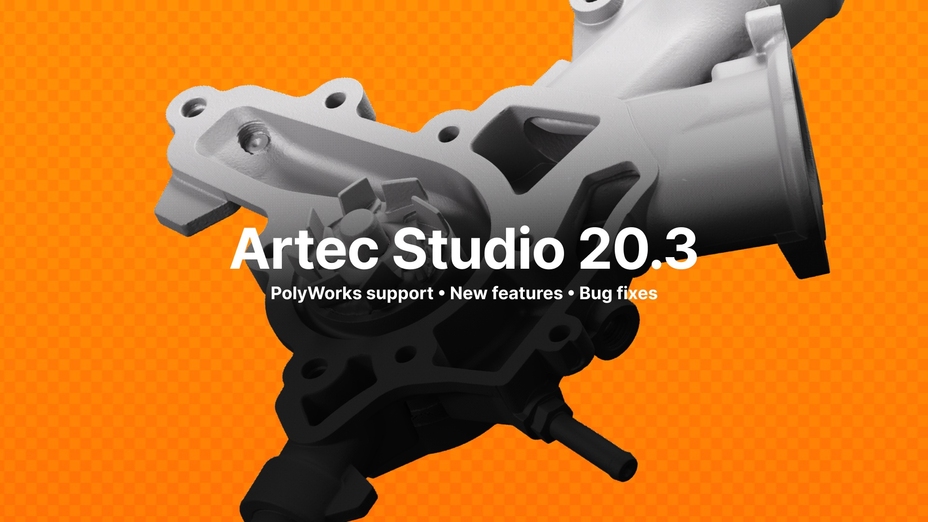
Luxembourg-based 3D scanning stalwart Artec 3D is excited to announce the release of Artec Studio 20.3, a software update available to all Artec Studio 20 users.
Updating to the new version of Artec Studio brings improvements for Artec Spider II, Ray II, and AI Photogrammetry, a built-in feature for generating 3D models from photos or videos. In the menus, users will also notice workflow, texturing, and UI upgrades across the board.
These enhancements deliver better performance, efficiency, and quality, while ensuring a smoother, more intuitive 3D data capture and processing experience. Inspection users will be delighted to know that version 20.3 is compatible with PolyWorks Inspector as well – but improvements are noticeable across applications, so all Artec customers stand to benefit.
PolyWorks Inspector integration
As part of a newly agreed partnership with industrial metrology software developer Innovmetric, PolyWorks Inspector integration has been added to Artec Studio. This means users are able to export meshes, point clouds, and CAD primitives directly to Polyworks for analysis.
The software streamlines the extraction of actionable insights with ISO & ASME standard GD&T tools that measure, analyze, and tolerance check with pace and precision.
New features for Spider II & Ray II
In Artec Studio 20.3, Spider II scan decimation is taken to the next level. The lightweight, portable handheld captures in ultra-high resolution. To make resulting data easy to export, Artec 3D previously added an option to reduce frame capture. Now, users can reduce the number of points per frame, ensuring that only essential data is picked up for faster processing.
Ray II has also gained full panoramic support, meaning that users can export directly in the E57 format with pano images tied to scan positions. This feature improves compatibility with third-party AEC software, as well as adding vital context for large-scale measurement.
Upgrades to AI Photogrammetry
Artec Studio 20.3 introduces major upgrades to Artec Studio’s AI Photogrammetry engine. Now, users can generate 3D models without masks. Before, masking required the full object to remain in view at all times, as close-ups interfered with the algorithms. Mask-free model capture removes this limitation, making it easier for newcomers to achieve high-quality results.
Now, there are two algorithms: one for capturing small-to-medium items up close (unmasked) & another for objects that need to be flipped or rotated (masked). The former allows for better results with featureless objects, while the latter remains best suited in most use cases.
Improved texturing functionality
Artec Studio’s texturing capabilities have been improved in two main ways: Workflow integration and enhanced customization. Artec Studio 20 added sharp image prioritization, a new way of creating photogrammetry models using the best possible frames. Now, it’s possible to activate this setting automatically via tailored processing workflows, triggered in a single click.
General improvements & fixes
- Improved 16-bit texture support
- RTF & ViewPlanner support for NVIDIA 50xx GPUs
- Unified Home Screen for AS Pro, Lite, and Trial
- Enhanced Spider II texture brightness
- Smoother export to Design X/Control X
Altogether, these improvements make version 20.3 the most stable and polished version of Artec Studio to date. Artec 3D remains committed to continually improving its already industry-leading software, stay tuned for further updates!
Find out more about Artec Studio 20.3 via the release notes on Artec Support.
To read the full article, click here.
Click here to learn more, get a quote, or contact an expert at The SolidExperts.
Want to learn more and take a deep dive into SOLIDWORKS? Check out our upcoming training classes to enhance your SOLIDWORKS skills. All classes are offered in person and virtually.

SUBMIT YOUR COMMENT